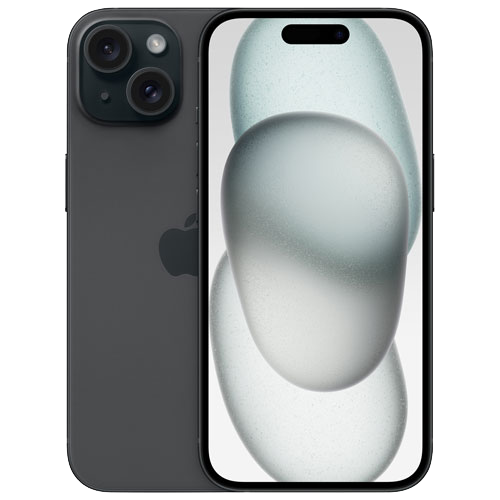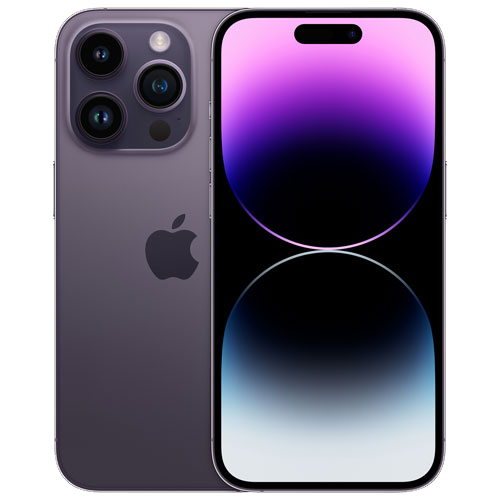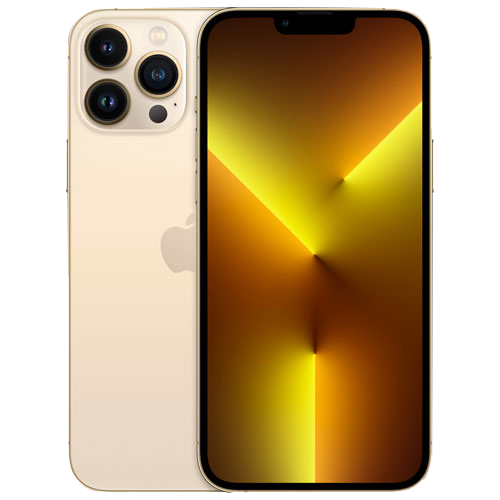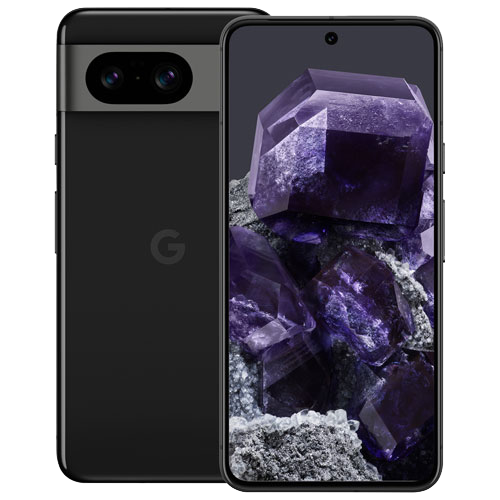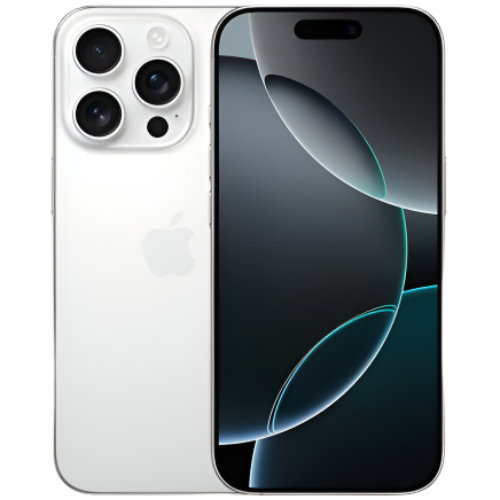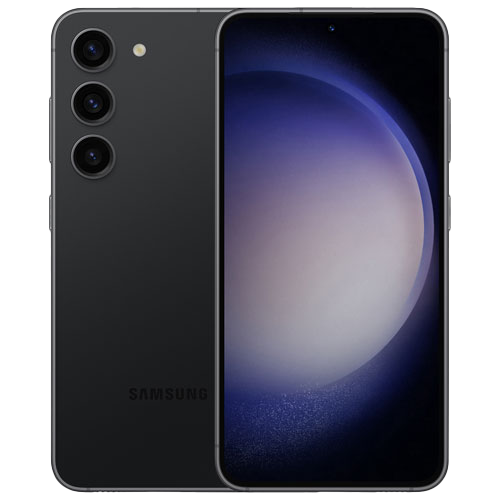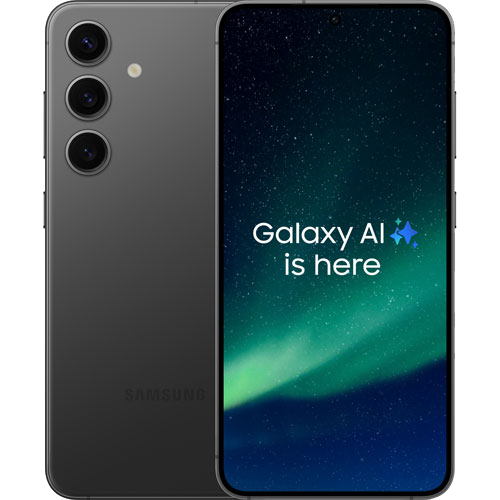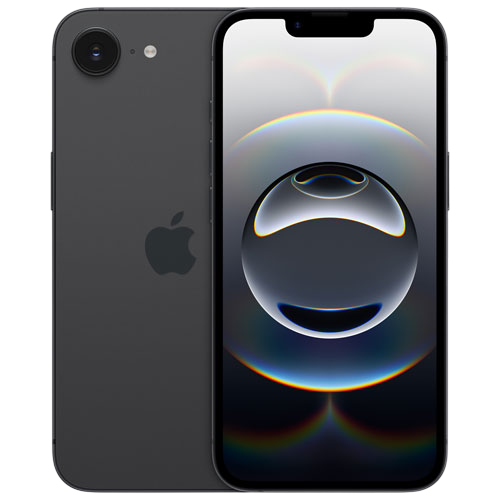

Finding the perfect CPO device


Step 2
Adding accessories & bundling
Once you’ve found your device, make it yours with accessories that help protect it, power it, and keep up with your day. A case, screen protector, charger, or pair of earbuds can help your CPO phone feel ready from the moment you get it.
Complete your setup in one checkout. Add accessories while you shop in-store and get your device fully equipped from day one.

Purchasing your device online

Build your cart
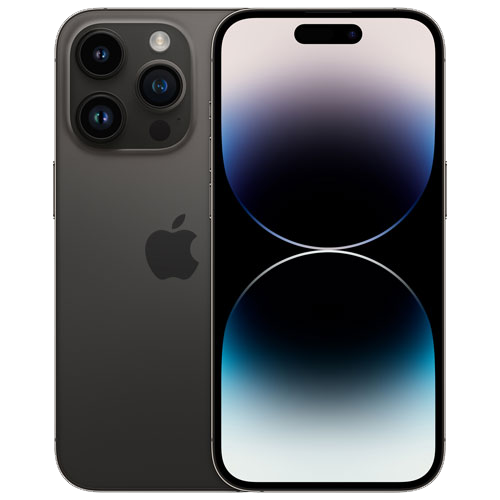
Add your Certified Pre-Owned device to your cart and confirm the model, colour, storage, and condition.

Review your order
Check your cart and shipping details to make sure everything looks right before you complete your purchase.

Choose a payment method
Select your preferred payment method and complete your order. Once your purchase is complete, keep an eye on your inbox for updates.
Step 4
Activations
Need help getting connected? Visit a Mobile Klinik store to get help with selecting the best phone plan that fits your lifestyle.
Already have a device you no longer need? You can trade in your old phone and put its value toward your next upgrade. It’s a simple way to clear out tech you’re not using while getting more savings towards your CPO purchase.

Frequently Asked Questions
A physical SIM is a small removable card that connects your phone to your mobile network. An eSIM is built into compatible phones and can be activated digitally. Both help connect your device to a carrier, but availability depends on your phone model and provider.
In many cases, yes. Compatibility depends on the device, your carrier, and the type of SIM or eSIM your plan uses.
Before buying, check your current provider’s requirements or connect with Mobile Klinik for help reviewing your options.
After checkout, you’ll receive order updates and can start getting ready for setup.
Once your device arrives, you can transfer your data, insert or activate your SIM, and sign in to your accounts.
For SIM transfer tips, check out How to Transfer Your SIM Card Without Losing Data
Activation connects your device to a mobile plan. Depending on your provider and device, this may involve inserting a physical SIM, activating an eSIM, or setting up a new plan. Mobile Klinik can help with activation support so you can get connected with less guesswork.
Yes. Certified Pre-Owned devices are inspected and prepared before resale, so you can shop with confidence.
For your own peace of mind, once you receive your device, sign in with your own accounts, set a strong password, and turn on security features like Face ID, Touch ID, or device tracking.
You can trade in your old phone through Mobile Klinik and put its value toward your next device.
Before handing it over, back up your data, sign out of your accounts, and perform a factory reset.